

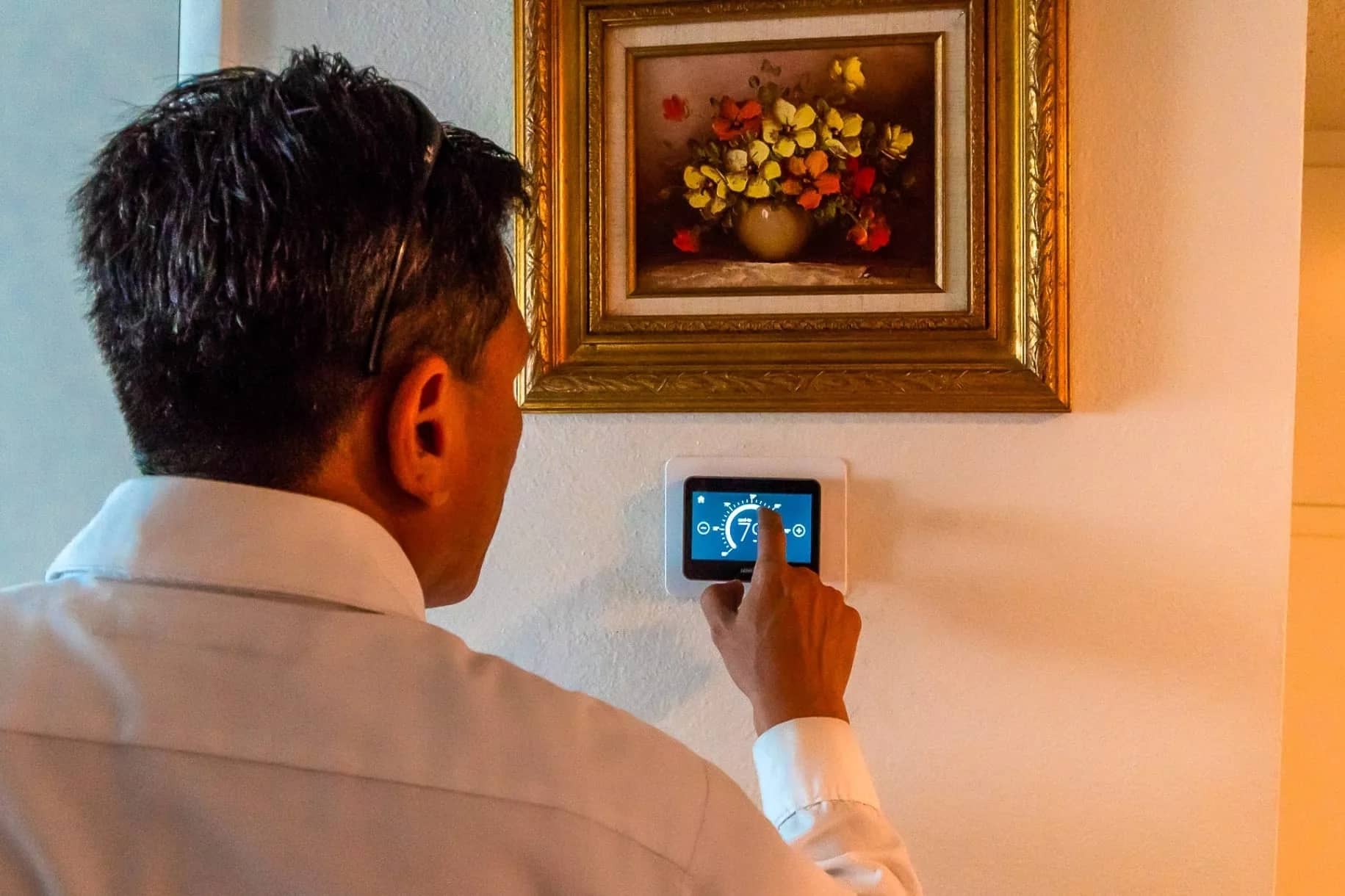
Benefits of an Automated Thermostat for Las Vegas Homes
Short answer: Automated thermostats save money by reducing run time, improving temperature consistency, and avoiding oversized cooling cycles. In Las Vegas, where AC systems run 8-12 hours daily during summer, proper scheduling can cut cooling costs by 5-15%, saving $12-60/month on typical $250-400 cooling bills. They also reduce short cycling that wears out compressors during extreme heat waves.
What can change savings or comfort
- Occupancy patterns and schedule accuracy
- System sizing and airflow balance
- Thermostat placement and sensor use
- Compatibility with staging or heat pumps
- Seasonal settings and runtime habits
Top Benefits for Vegas Homeowners
- Lower cooling costs: Schedules and setbacks save 5-15% ($12-60/month) during long cooling seasons
- More consistent comfort: Remote sensors balance hot rooms (west-facing, upstairs) with cooler areas
- Less wear on your AC: Reduced short cycling extends compressor life during extreme heat
- Energy bill predictability: Usage reports help identify inefficiencies and track savings
- Monsoon season control: Smart scheduling manages humidity spikes without overcooling
- Peak rate management: Some models integrate with NV Energy programs to avoid expensive peak hours
Las Vegas-Specific Challenges Automated Thermostats Solve
- Extreme temperature swings: 70°F mornings to 110°F afternoons require smart scheduling to prevent energy waste
- Long cooling seasons: March through October means automated scheduling pays off faster than in milder climates
- Dust and airflow issues: Remote sensors help identify rooms with restricted airflow from dirty filters
- Monsoon humidity: Coordinated scheduling manages moisture without constant AC runtime
- High energy bills: NV Energy rates make every degree of setback count during peak summer months
Features That Actually Matter in Las Vegas
- Scheduling and geofencing: Automatically adjust when you leave/return for consistent savings
- Remote sensors: Essential for hot rooms (west-facing windows, upstairs) to balance comfort
- Usage reports: Track energy consumption and identify inefficiencies or system problems
- Heat pump compatibility: Required if you have a heat pump system
- Multi-stage support: Needed for high-efficiency systems with variable-speed compressors
- Humidity monitoring: Helpful during monsoon season to manage moisture levels
Las Vegas Starting Schedule (Comfort + Savings)
- When home: 78–80°F (going below 78°F won't feel cooler, just cost more)
- When away: 82–85°F (avoid going above 85°F, system will struggle to recover)
- Gradual adjustments: Reduce setpoint by 2–3°F at a time, especially during extreme heat
- Weekend schedules: Different programs for weekdays vs. weekends if your routine varies
- Monsoon adjustments: Allow slightly longer runtimes during high-humidity periods
Main Cost Drivers for Automated Thermostats
- Thermostat model: Basic programmable ($50-100) vs. smart Wi-Fi models ($100-400+)
- Installation: DIY-friendly ($0) vs. professional install ($150-300) for complex systems
- C-wire requirements: Systems without C-wire need adapter ($20-50) or new wire ($200-400)
- Remote sensors: Additional sensors ($40-80 each) for multi-room temperature control
- System compatibility: Heat pumps and multi-stage systems may require premium models
- Wi-Fi network: May need signal boosters or network upgrades for reliable connectivity
Decision Guide: Is an Automated Thermostat Right for You?
Choose an automated thermostat if:
- Your schedule is predictable (work 9-5, consistent routines)
- You have rooms that run hot or cold (west-facing, upstairs, additions)
- Your cooling bills are high ($250+/month in summer)
- You want to reduce AC wear from constant manual adjustments
- You're comfortable with smartphone apps and Wi-Fi devices
Consider a basic programmable instead if:
- Your schedule is highly irregular or unpredictable
- You prefer simple, non-connected devices
- Your system is very old and may need replacement soon
- Wi-Fi signal is weak at thermostat location
Common Mistakes to Avoid
- Setting extreme temperatures: Going below 78°F or above 85°F causes long runtimes and energy waste
- Ignoring remote sensor placement: Sensors in hot rooms (west-facing, upstairs) provide better comfort balance
- Forgetting to update schedules: Adjust seasonally, Las Vegas cooling season runs March-October
- Constant manual overrides: Let the thermostat learn your patterns instead of fighting the schedule
- Not reviewing usage reports: Monthly checks help spot inefficiencies or system problems
- Skipping compatibility checks: Verify C-wire, system type, and Wi-Fi before buying
When to Upgrade
If your thermostat is unresponsive, inaccurate, or hard to program, it’s usually time to upgrade.
Compatibility Checklist
- C-wire check: Older systems may need a C-wire or adapter, verify before buying
- System type: Single-stage, multi-stage, or heat pump, each has different requirements
- Voltage: Most homes use 24V, but verify your system voltage
- Wi-Fi signal: Test signal strength at thermostat location before installation
- Wiring complexity: Take a photo of current wiring before removing old thermostat
Maintenance Tips for Automated Thermostats
- Keep it clean: Dust can affect sensors, wipe screen monthly with microfiber cloth
- Check Wi-Fi connection: Ensure strong signal for reliable operation and remote access
- Update firmware: Keep software current for bug fixes and new features
- Review schedules quarterly: Adjust for seasonal changes and lifestyle shifts
- Monitor usage reports: Check monthly to spot efficiency trends or problems
- Test remote access: Verify app connectivity and alerts work properly
- Replace batteries: If your model uses batteries, replace annually or when low battery alerts appear
Helpful resources for Las Vegas homeowners
- Thermostats
- Smart thermostat savings
- AC efficiency tips
- Air conditioning maintenance
- Air conditioning service
FAQs About Automated Thermostats
Do automated thermostats reduce AC wear?
Yes. Smoother scheduling and fewer extreme swings reduce short cycling.
Is a smart thermostat worth it for a small home?
Often yes, especially if your schedule is consistent and you use setbacks.
Do I need a C‑wire?
Many systems do. Some thermostats offer adapters, but a dedicated C‑wire is best.
Will it work with a heat pump?
Yes, but you need a compatible thermostat and proper wiring.
How long does installation take?
Most installs take less than an hour if wiring is straightforward.
Share This Page